Typing Speed Test — Hindi · Marathi · Bengali · English

Fast, private and exam-ready typing practice with multi-script passages. Measure WPM/CPM and accuracy — export results locally as CSV.

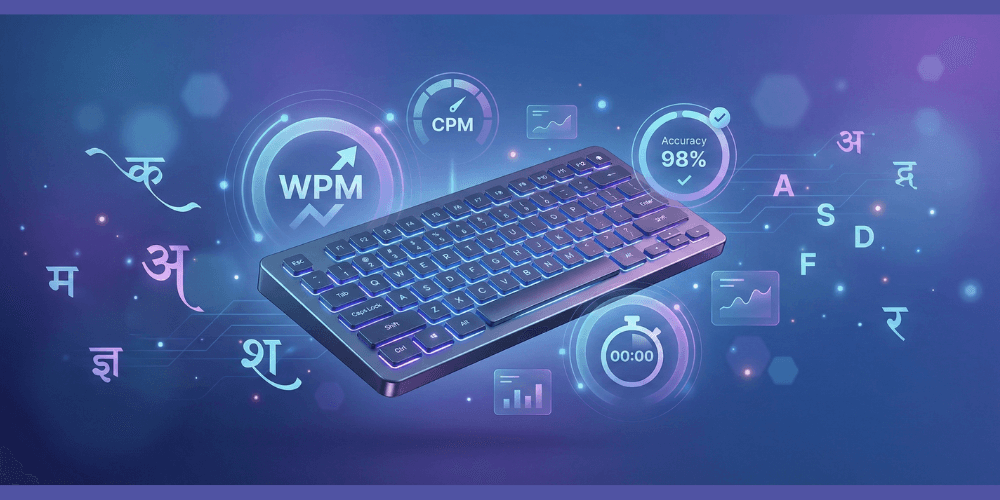
Typing Speed Test banner — practice Hindi, Marathi, Bengali and English
Last updated: 2025-09-14

About this typing speed test

ToolsHub’s online Typing Speed Test is built for people practicing in Hindi, Marathi, Bengali and English — ideal for SSC/Banking exam preparation, workplace improvement, or general skill-building. The tool is fast and privacy-first: results are stored locally in your browser (localStorage) and CSV export happens client-side — no signup or server logging.

WPM (words per minute) uses the standard 5-character word rule; CPM (characters per minute) and accuracy are also reported so you can improve both speed and correctness. Preset durations (30s, 60s, 120s) and custom timings (≥10s) are available — short sprints (30s) improve top speed while longer sessions (60–120s) build endurance.

For Indic scripts use Google Input Tools or your device’s native keyboard; the Help panel contains step-by-step setup. After each test, review the error report to target frequently-missed characters for focused practice — this method helps sustained improvement.

The page also includes FAQs, HowTo guidance and export options so learners at every level can benefit. For official exam rules always verify with the exam authority. Use the language switcher to access the Hindi localized page if you prefer content in Hindi.

Quick start

  1. Click Typing Speed Test.
  2. Choose language and duration, click into the input and begin typing — timer starts on first keystroke.
  3. When the test finishes, review your WPM/CPM/accuracy and export or copy a summary.

Privacy

Results are stored locally in your browser (localStorage) and never sent to servers. Exporting to CSV occurs on-device.

Related tools

FAQs — Typing Speed Test

Which languages are supported by this typing test?
Practice in English, Hindi, Marathi and Bengali — switch language from the selector to load language-specific passages and scripts.
How are WPM, CPM and accuracy calculated?
WPM uses the standard 5-character word rule applied to correctly typed characters. CPM is characters-per-minute and accuracy is correct characters ÷ total typed characters.
Can I use my own passages and custom test duration?
Yes — paste or upload a custom passage, and set duration (presets 30/60/120s or any custom length ≥ 10s).
Are my test results saved?
Yes — the last 30 results are stored locally (localStorage). You can view history, copy a summary to clipboard, download CSV or clear history any time.
Is this suitable for govt exam typing practice (SSC/Banking)?
Yes — passages and timings are designed for realistic practice. Always verify the exact rules of your exam authority before the live test.
How do I type Indic scripts on my device?
Use Google Input Tools, native OS input methods or mobile keyboard apps that support Indic scripts. The Help panel includes step-by-step setup for common platforms.