Upload your photo
Choose a clear JPG, JPEG, PNG or WEBP photo from your phone or computer. Drag and drop works on supported devices.
Upload a photo and convert it to Indian passport size online for free. The tool prepares a 35×45 mm photo with 630×810 px output, automatic face crop, plain white background, and JPG, PNG or A4 PDF download.
or drag & drop your image here
35×45 mm photo size with 630×810 px output is selected for India passport-style photos.
Face detection, crop, head centering and background cleanup help create a ready preview.
Download a single JPG or PNG photo, or create an A4 PDF sheet without signup or watermark.
The main process is automatic. Upload your image, review the prepared result, and download when the photo looks correct.
Choose a clear JPG, JPEG, PNG or WEBP photo from your phone or computer. Drag and drop works on supported devices.
The Indian passport size frame is ready, so you do not need to enter 35×45 mm or 630×810 px manually.
The tool detects the face, centers the head, applies the selected frame and prepares a plain background.
Download directly when the preview looks correct, or use optional controls for small refinements before saving.
Use these details as a practical checklist before downloading the final image. Photograph instructions can change, so compare your result with the latest official guidance before submission.
Photo size
35×45 mm
Standard Indian passport-style photo frame.
Size in cm
3.5×4.5 cm
The same size written in centimeters.
Digital output
630×810 px
Common digital size used for Passport Seva-style photo preparation.
Background
Plain white
Use a clean background without patterns, furniture or strong shadows.
Face framing
80–85%
Keep the face and top of shoulders clear, centered and naturally framed.
Appearance
Natural
Avoid beauty filters, heavy retouching or edits that change facial features.
Create a 35×45 mm photo, 630×810 px digital image, white-background photo, or A4 print sheet from one upload.
Start with a normal mobile photo and create an Indian passport size photo with the required frame, clean crop and final download format.
Create a 630×810 px image with a 35×45 mm India passport-style frame for digital upload workflows.
Clean a busy background and prepare a plain white background while keeping the face, hair edges and skin tone natural.
For Passport Seva-style digital photo preparation, the tool creates a 630×810 px image with a 35×45 mm frame and plain white background. Always check the latest official instructions before final submission.
Create 630×810 PhotoA plain white background keeps the photo clean and document-ready. Avoid colored walls, furniture, harsh shadows, patterns, or other people behind the face.
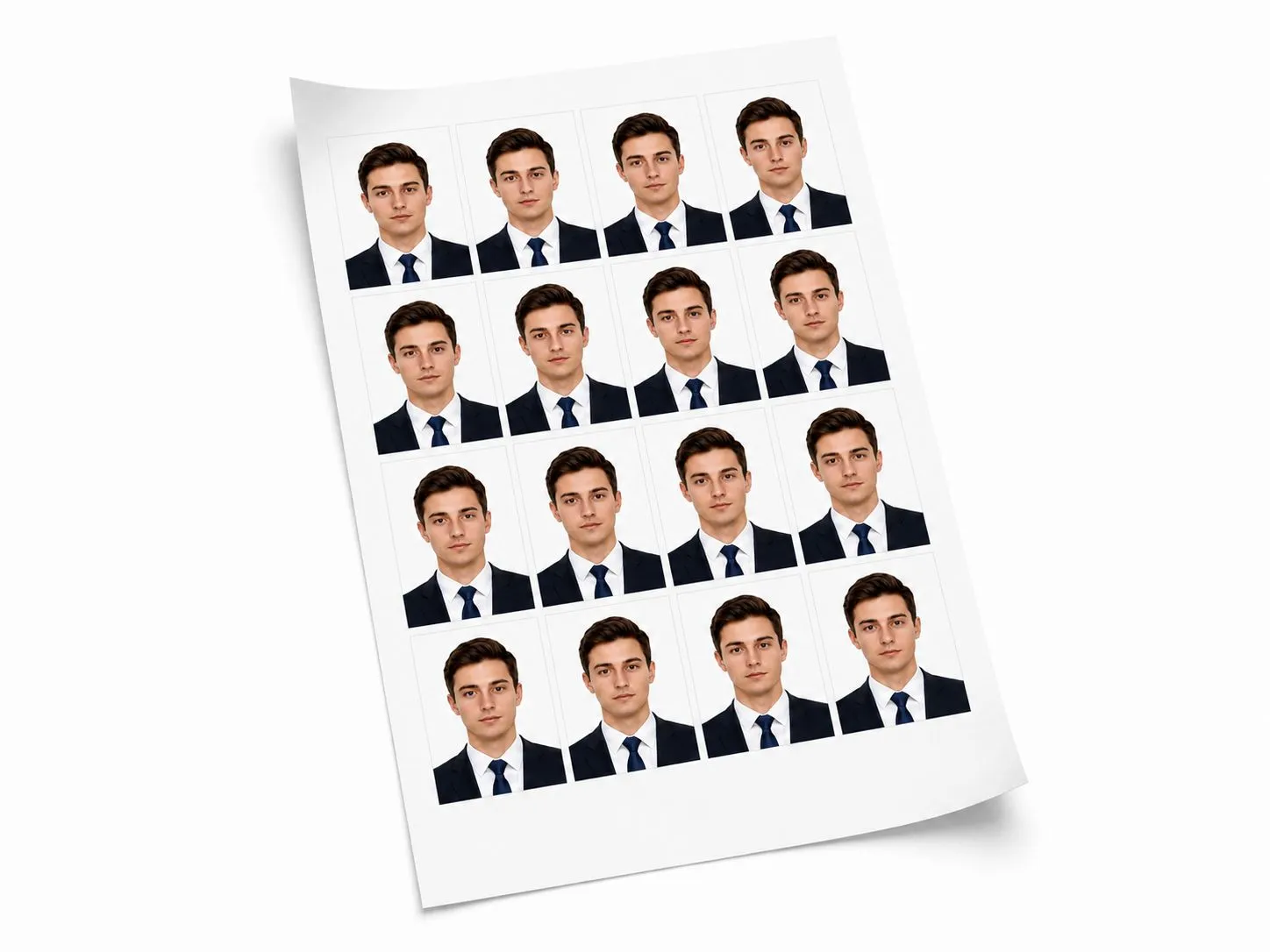
Save a single Indian passport photo as JPG or PNG. When you need printed copies, create an A4 PDF sheet with multiple photos, spacing and cut guides.
Simple download for online uploads and sharing.
Clean image output when you prefer PNG format.
Multiple copies on one sheet for printing and trimming.
The automatic preview comes first. Use these tools only when you want to correct a small edge, background, crop, lighting, or outfit detail before download.
Erase or restore small edge areas when the automatic background cleanup needs a small correction.
Use white for Indian passport-style photos, or choose another solid color for other document needs.
Fine-tune the frame only if the automatic crop needs a small adjustment.
Correct brightness, contrast, saturation or exposure before saving the final photo.
Arrange multiple copies with spacing and cut guides, then download a print-ready PDF.
Use pre-designed formal clothing overlays only when your application rules allow it.
A correct size alone is not enough. Review the final photo carefully before using it for any application.
Some Indian forms ask for a strict file size such as 20KB, 50KB, 100KB, 250KB or another custom limit. First create the correct passport photo, then use Image Compressor to set the target size required by your form.
Quick answers about 35×45 mm size, 630×810 pixels, Passport Seva-style photos, white background, A4 sheet and free download.
Yes. Upload a clear photo, keep the India size selected, let the tool prepare the crop and background, then download the final photo for free.
This tool prepares the Indian passport-style photo as 630×810 pixels with a 35×45 mm frame.
Yes. The tool prepares a 630×810 px image with an Indian passport-style 35×45 mm frame and plain white background. LevoTools is independent and not affiliated with Passport Seva.
Yes. 35×45 mm is the same size as 3.5×4.5 cm.
Yes. The tool can clean the old background and prepare a plain white background. Review the final image for shadows, rough edges and natural appearance.
Usually no. The tool detects the face, centers the head and prepares the preview automatically. Re-crop is available only when you want to fine-tune the result.
Yes. You can download the prepared photo without signup or watermark.
Yes. After the photo is ready, use the A4 sheet option to arrange multiple copies with spacing and cut guides, then download the print-ready PDF.
Yes. First download the final passport photo, then use the LevoTools Image Compressor to compress it to 20KB, 50KB, 100KB, 250KB or any custom target size required by your form.
Use the India 35×45 mm preset, check the 630×810 px preview, and download your photo or print-ready A4 sheet.
Upload Photo