Build a Professional Resume Online
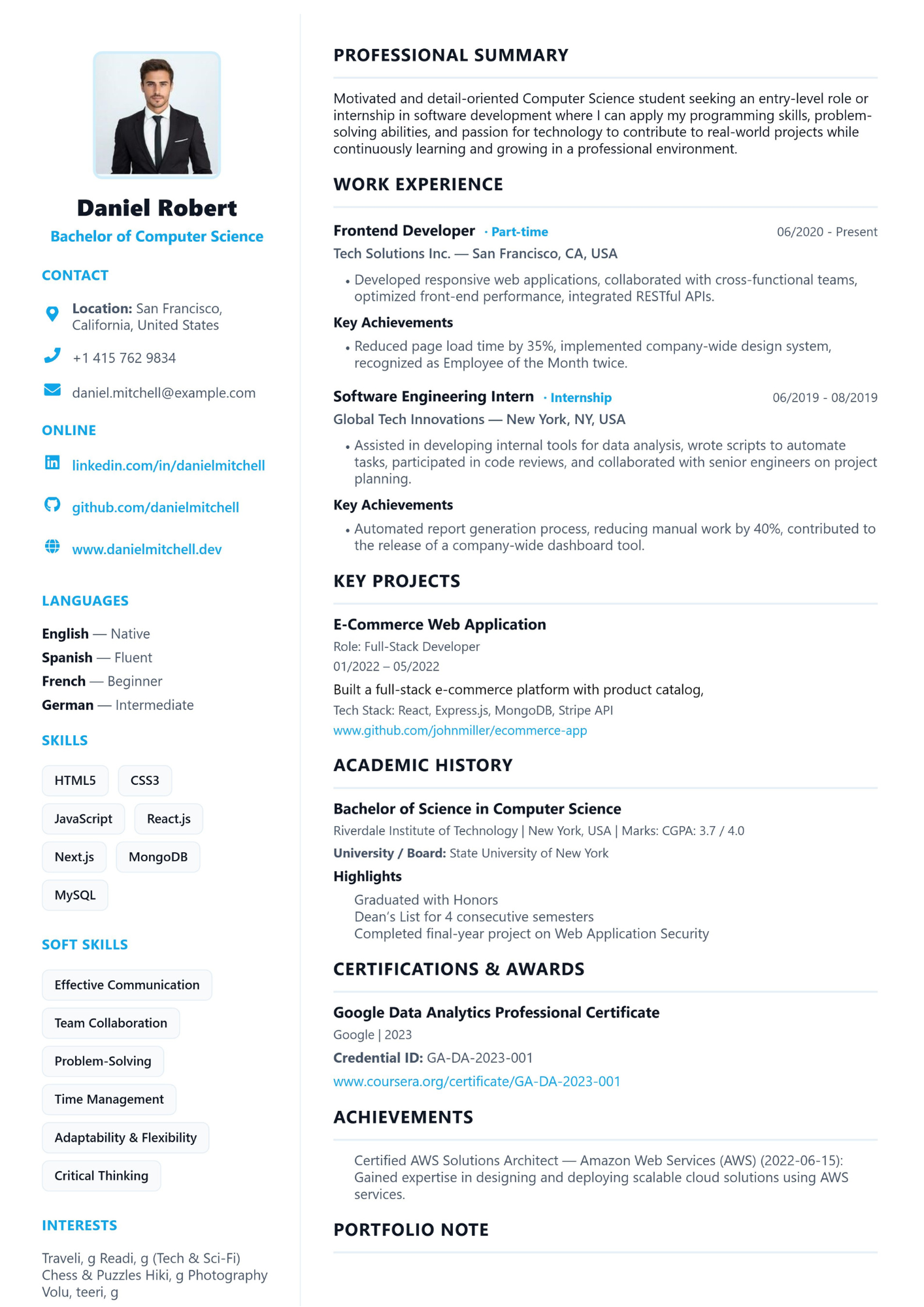
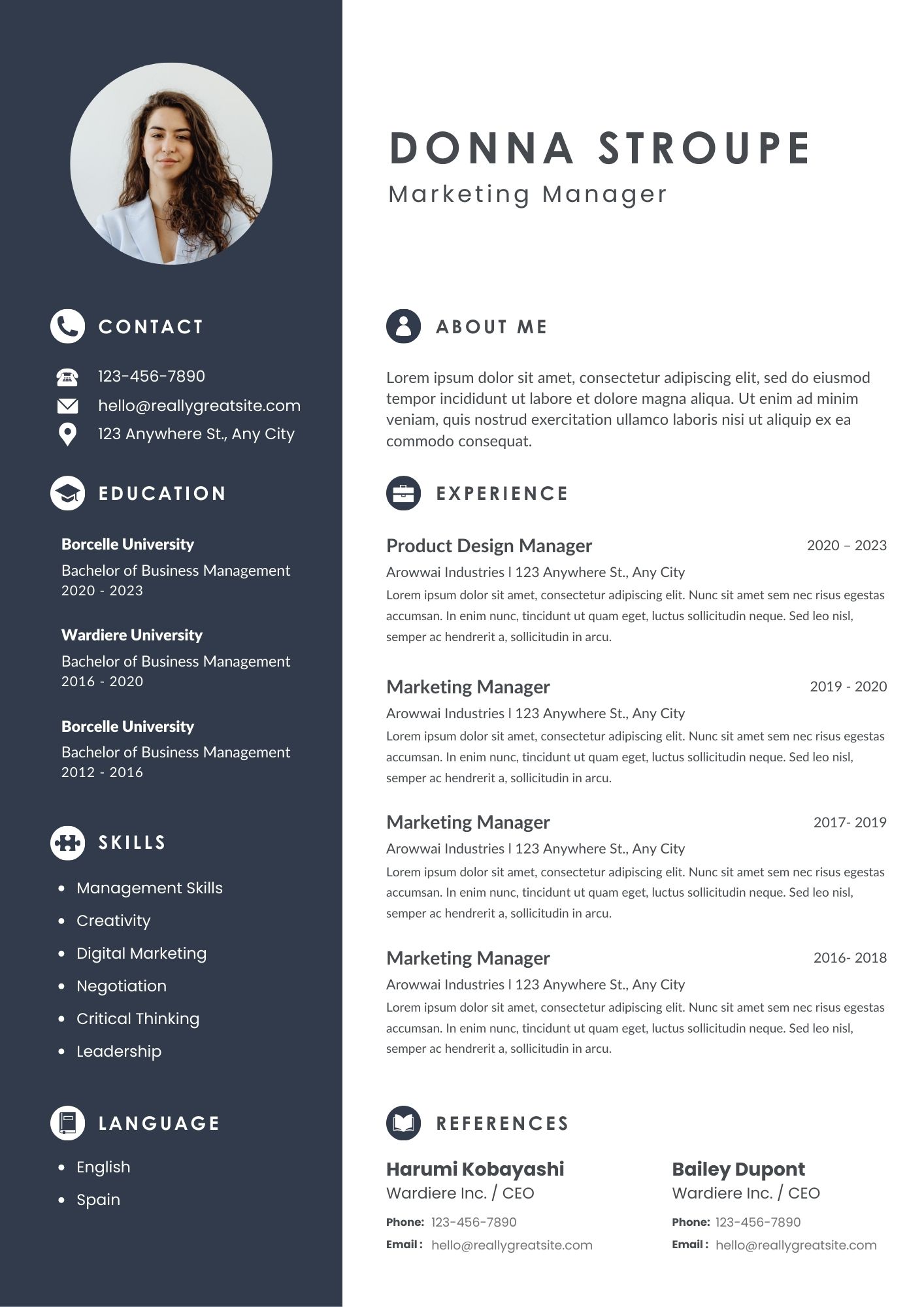
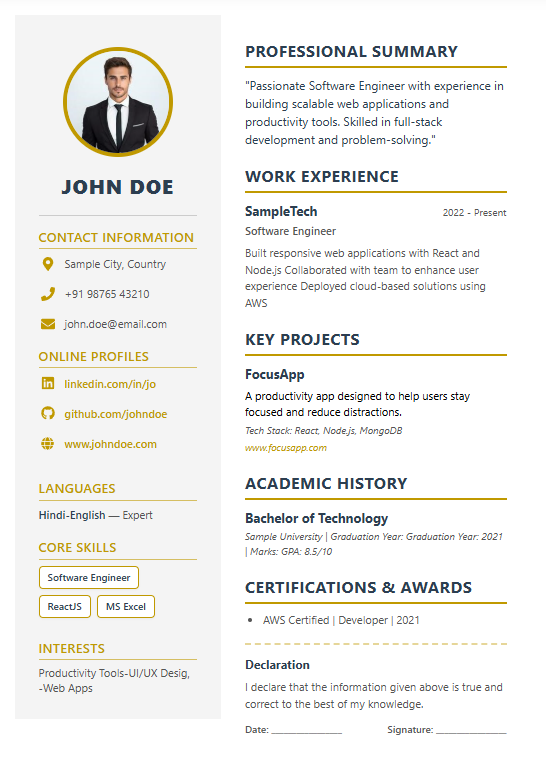
Build a professional resume in minutes with LevoTools' free Resume Builder. No signup required — choose from the available templates, add your details, preview the result live, and export as PDF or editable DOCX.
Why choose LevoTools Resume Builder?
- Fast & Guided: Step-by-step flow guides you through every section.
- No Account Needed: Privacy-first — download without creating an account.
- Structured Resume Sections: Guided fields help you organize contact details, experience, education, skills, and other important information clearly.
- Flexible Export: PDF for print and DOCX for editing in Word/Google Docs.
How it works (quick)
- Choose a template that fits your role and experience level.
- Fill out the guided form: Contact, Summary, Experience, Education, Skills.
- Use live preview to check formatting and content.
- Export as PDF (print-ready) or DOCX (editable) — done.
ATS-Friendly Resume Tips
To make your resume easier for applicant tracking systems to read, use standard section headings such as Experience and Education, include relevant terms from the job description naturally, keep important contact details in clear text, and review the final PDF or DOCX before submitting. ATS behavior varies by employer and system, so no template can guarantee parsing or selection.