1
Upload your photo
Add a clear JPG, PNG, or WEBP photo from your phone or computer. Drag and drop is supported on desktop.
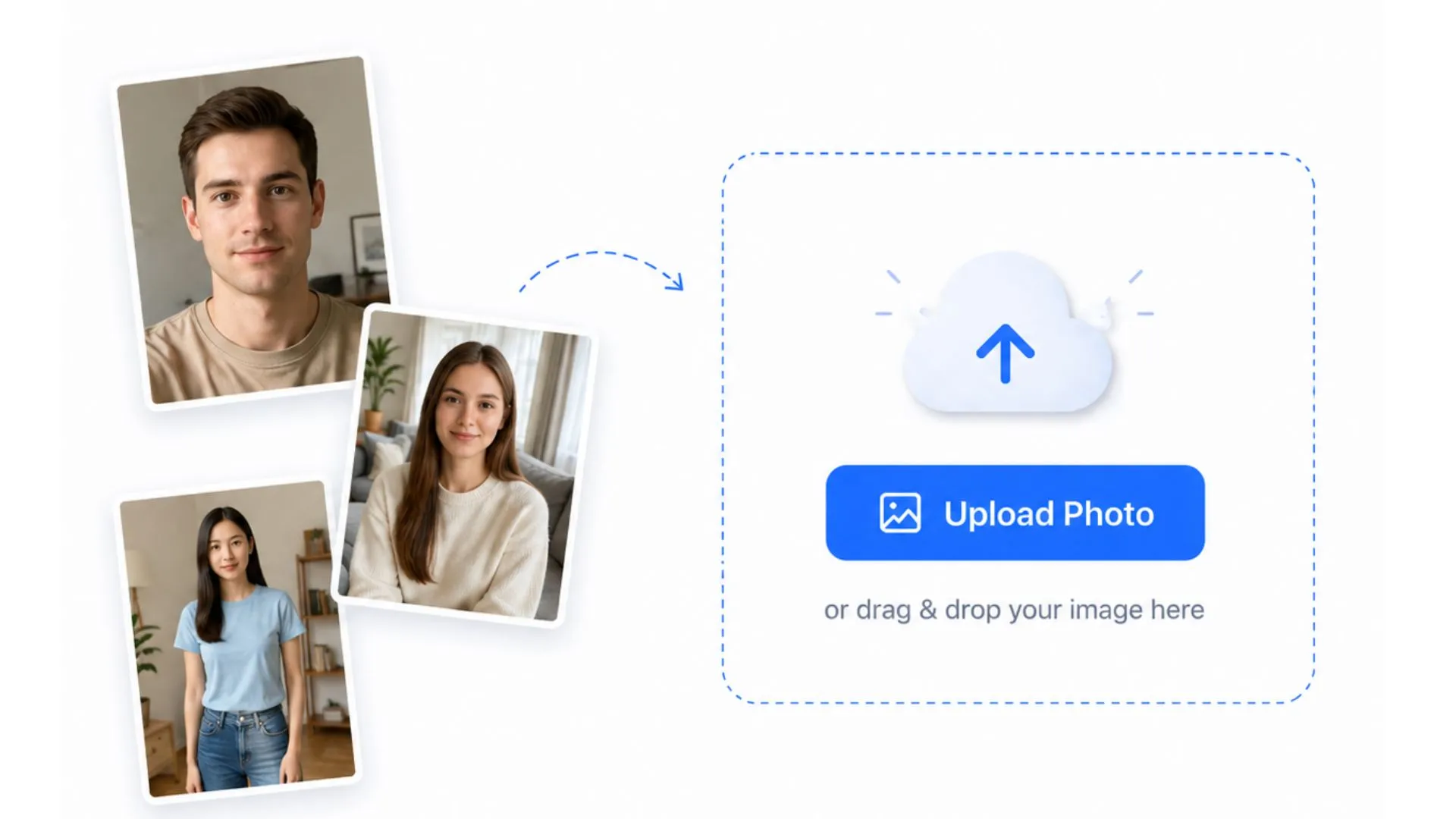
Create passport, visa, ID and document photos with smart crop, background removal, standard sizes, country presets, custom dimensions and A4 print sheet download.
or drag & drop your image here
Upload a photo, choose the required size and review the prepared document photo before downloading. The workflow is built for passport, visa, ID card and online application photos.
Add a clear JPG, PNG, or WEBP photo from your phone or computer. Drag and drop is supported on desktop.
Select a popular size, choose a country preset, or enter a custom width and height for your document photo.
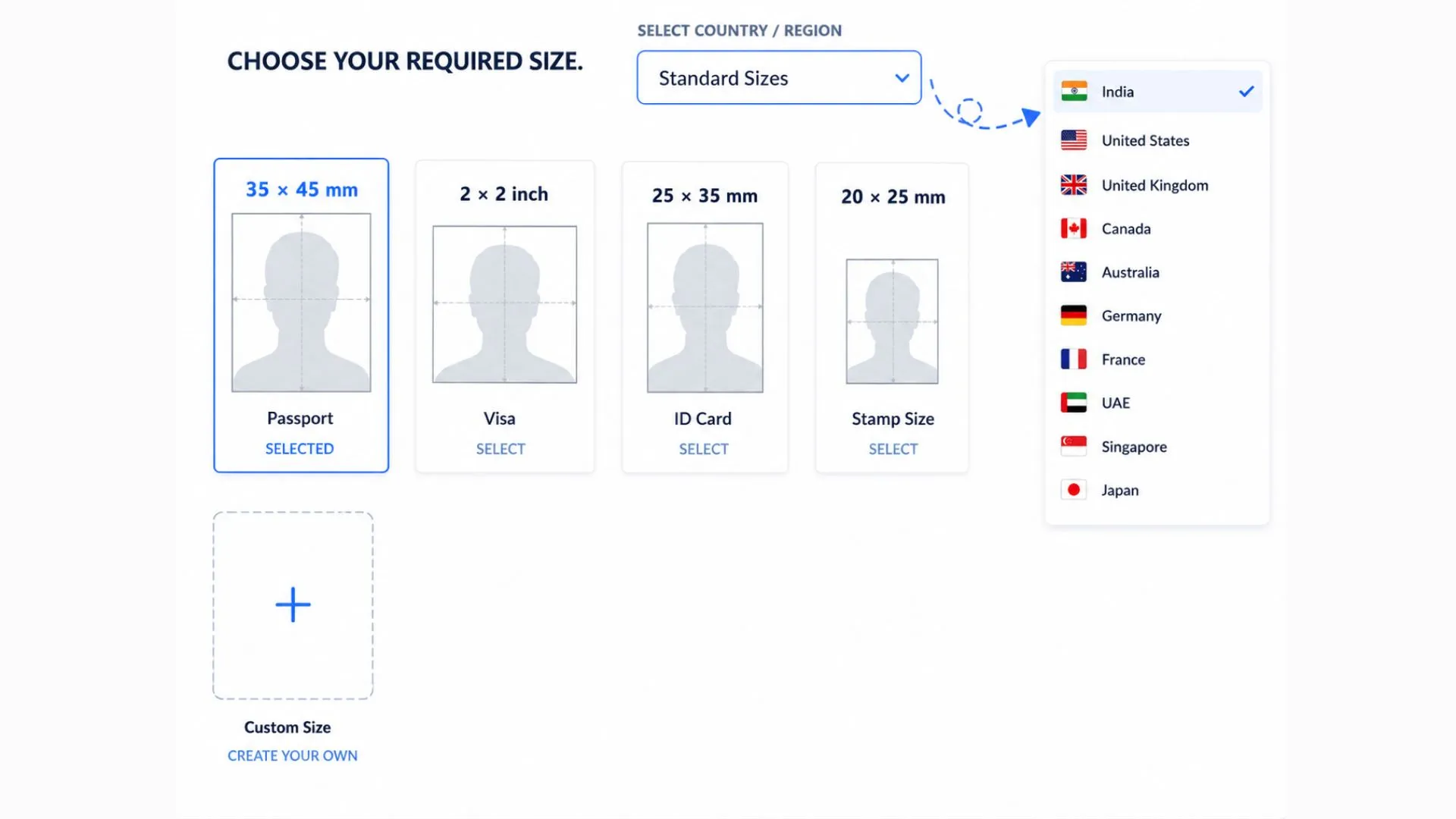
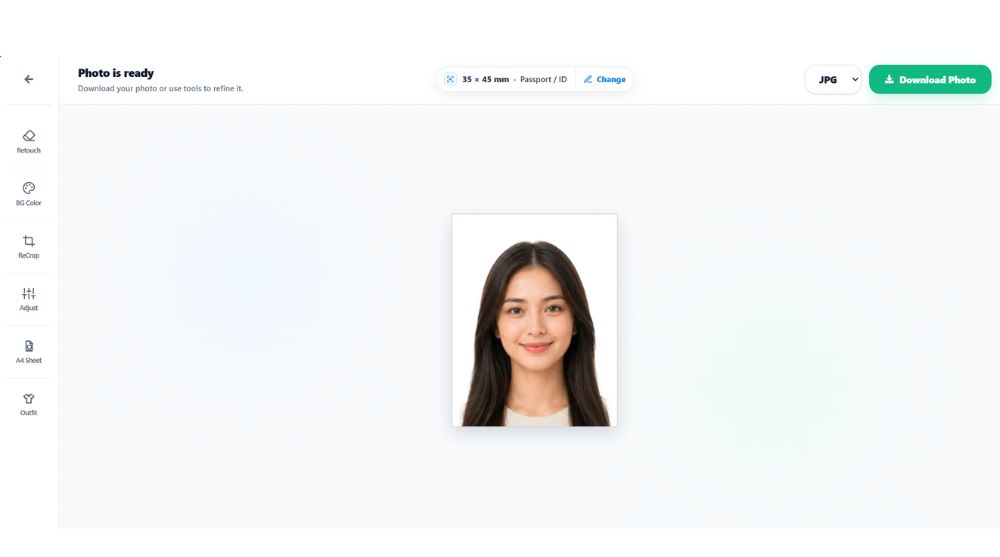
Check the prepared preview, adjust the crop or background if needed, then download JPG, PNG or A4 PDF.
Start with common passport and visa photo sizes, pick a country preset, or enter your own width and height when your application needs exact dimensions.
4
Popular sizes
35+
Country presets
If your country or document type is not listed, use Custom Size to enter the exact width and height in mm, cm, inch or pixels.
35 × 45 mm
Passport / ID
A common passport and identity photo size used by many countries, forms and document applications.
2 × 2 inch
Visa / online forms
A popular square format for visa photos, passport applications and digital upload requirements.
50 × 70 mm
Canada-style photo
Useful when you need a larger passport-style document photo with precise print dimensions.
40 × 60 mm
Gulf / Asia documents
Used by several passport, visa, work permit and document photo requirements.
LevoTools includes country-based presets for common passport, visa and ID photo requirements. Available presets include:
Before choosing a preset, check the passport photo requirements by country for current size, background, digital-upload and submission-method guidance.
Create an Indian passport photo with 35×45 mm size, 630×810 px output, plain white background and A4 sheet download options.
Indian Passport Photo MakerAfter you select a size, the tool prepares the main passport photo steps automatically and gives you a clean preview to review before download.
The tool detects the face, crops the image and keeps the portrait centered inside the selected passport photo frame.
It prepares a balanced passport-style preview so the face position is easier to review before download.
Busy or uneven backgrounds can be cleaned directly on your device and replaced with a plain solid color.
The final photo uses the width, height and unit from your selected standard size, country preset or custom size.
The automatic preview is designed to be ready for most users. If needed, use retouch, re-crop, lighting and background color controls before saving the final photo.
Clean small edge issues with erase and restore brushes, including brush size and softness controls.
Adjust crop, zoom or head position when your final preview needs a small manual correction.
Fine-tune brightness, contrast, saturation and exposure before saving the finished image.
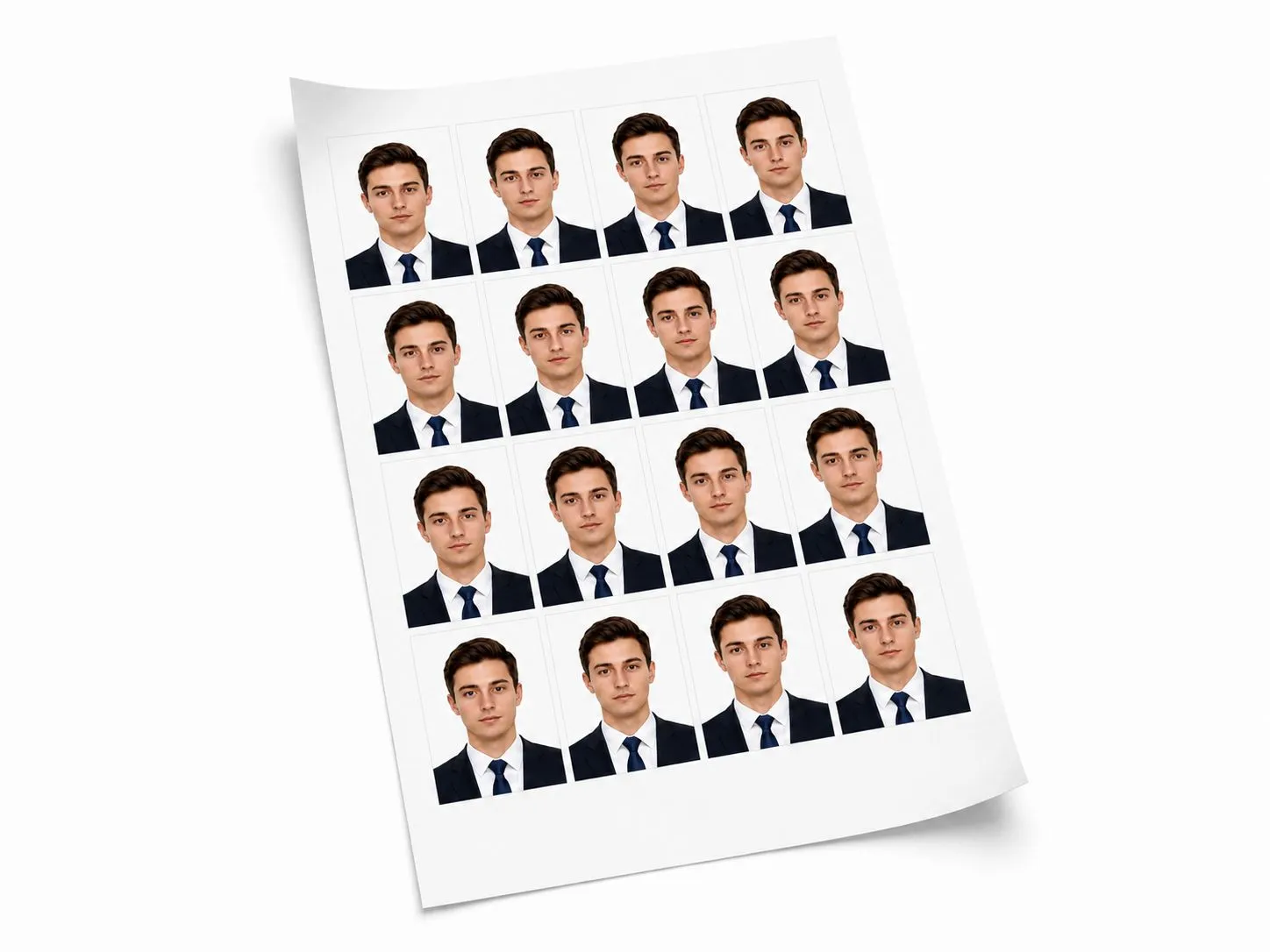
Prepare a printable A4 passport photo sheet with multiple copies of your selected passport, visa or ID photo. Preview spacing, add cut guides and download a print-ready PDF.
Download a single document photo as JPG or PNG. For multiple copies on a print sheet, use the A4 PDF option for a cleaner print layout.
Some online forms ask for a strict file size limit. Download your photo first, then use our Image Compressor tool to set your exact target size as per your requirements.
If your photo needs a more formal appearance, you can add a pre-designed suit or blazer overlay and adjust it manually. Use this only when it matches the rules of your document or application.
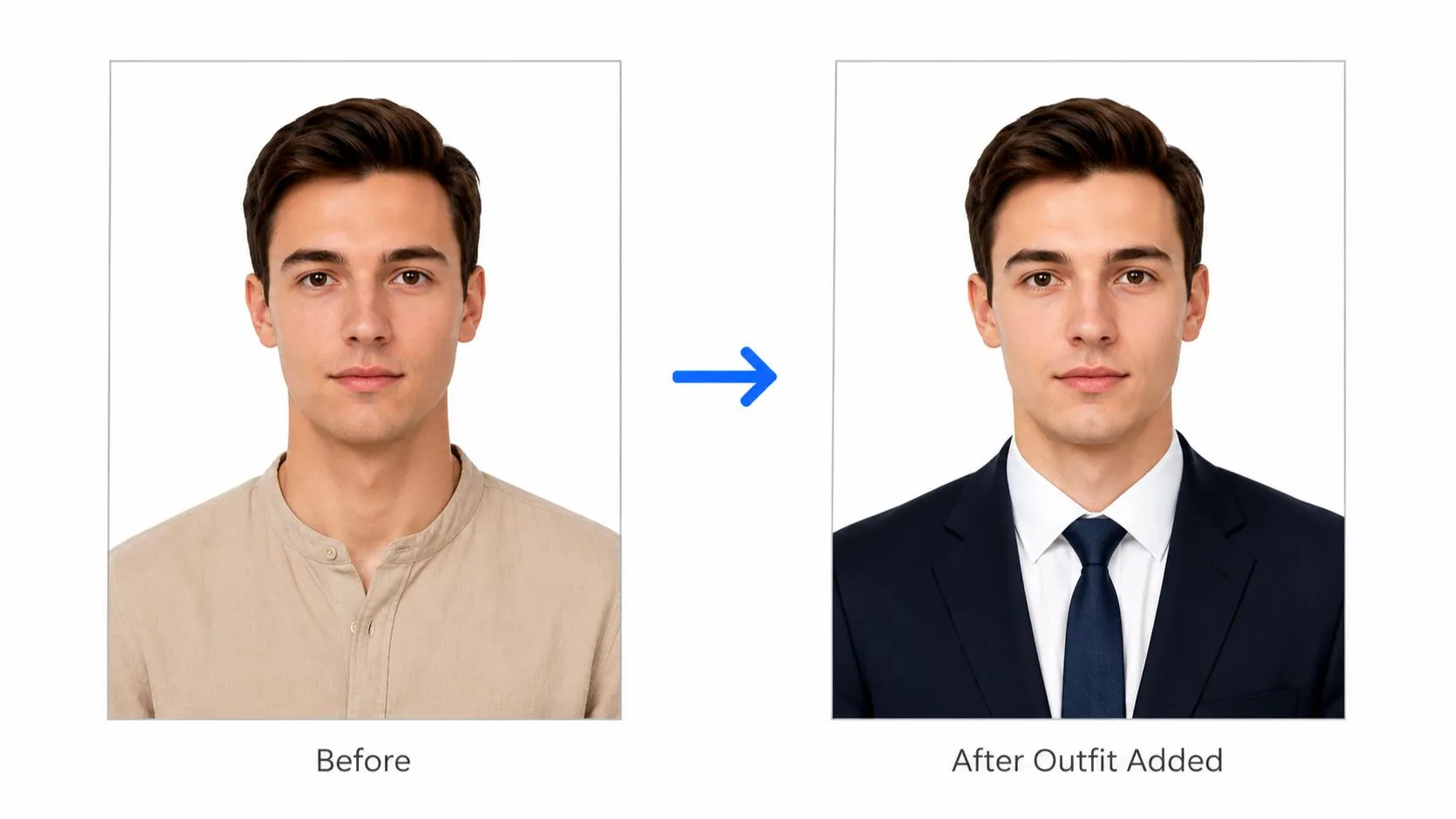
Passport and visa photos are sensitive. LevoTools keeps the workflow simple, browser-based and easy to review, while reminding you to verify official rules before submission.
Use the tool instantly. Upload, edit and download without creating an account.
Photo processing is designed to happen on your device, keeping the workflow private and fast.
Designed for real portraits of you, not fully AI-generated avatars or fake identity images.
Always confirm the latest size, background, head position and file requirements before submitting.
Quick answers about sizes, privacy, background color, print sheets, download formats and official document photo requirements.
Yes. You can create passport size photos online for free. There is no login, subscription or hidden paywall required to use the tool.
No. The tool works without signup or login. Open the tool, upload your photo, choose a size and download the finished result.
The tool is designed to process photos in your browser. Face detection, cropping, background removal and editing happen locally on your device, and LevoTools does not permanently store your uploaded photos.
You can use popular sizes such as 35 × 45 mm, 2 × 2 inch, 50 × 70 mm and 40 × 60 mm. You can also choose country-based presets or enter a custom width and height.
Yes. The tool includes country presets for India, United States, United Kingdom, Canada, Australia, China, UAE, Saudi Arabia, Qatar, Kuwait, Oman, Bahrain, Pakistan, Bangladesh, Nepal, Sri Lanka, Singapore, Malaysia, Indonesia, Philippines, Thailand, Vietnam, Japan, South Korea, Germany, France, Italy, Spain, Netherlands, Ireland, Turkey, Brazil, Mexico, South Africa and Nigeria.
Yes. If your required size is not available in the preset list, you can enter a custom width and height in mm, cm, inch or pixels.
Yes. You can change the background to white, blue, grey or a custom solid color. Always check the latest official requirement before submitting your photo.
Yes. The A4 sheet option lets you generate multiple photo copies, preview the layout, adjust spacing, use cut guides and download the sheet for printing.
Yes. Single photos can be downloaded as JPG or PNG. When you create an A4 print sheet, PDF is available for a print-ready layout.
The optional outfit tool uses pre-designed formal clothing overlays such as suit or blazer styles. It does not generate new clothes with AI. Use this only when it is allowed by your document or application rules.
The tool helps you prepare photos using common passport, visa and ID photo sizes, but every authority can have different rules. Always check the latest official instructions for background color, head size, file size, DPI and other requirements before submitting.
Passport Photo Maker prepares the photo size, crop, background and print layout. If an application asks for a specific file size such as 20KB, 50KB or 100KB, download your image first and then use the Image Compressor tool.
Explore image tools to compress, resize, crop, convert and prepare images for online forms and documents.
Create an Indian passport photo with 35×45 mm size, 630×810 px output, white background and Passport Seva-style photo preparation.
Explore fast PDF tools like merge, split, compress and convert to manage your documents after preparing your photo.