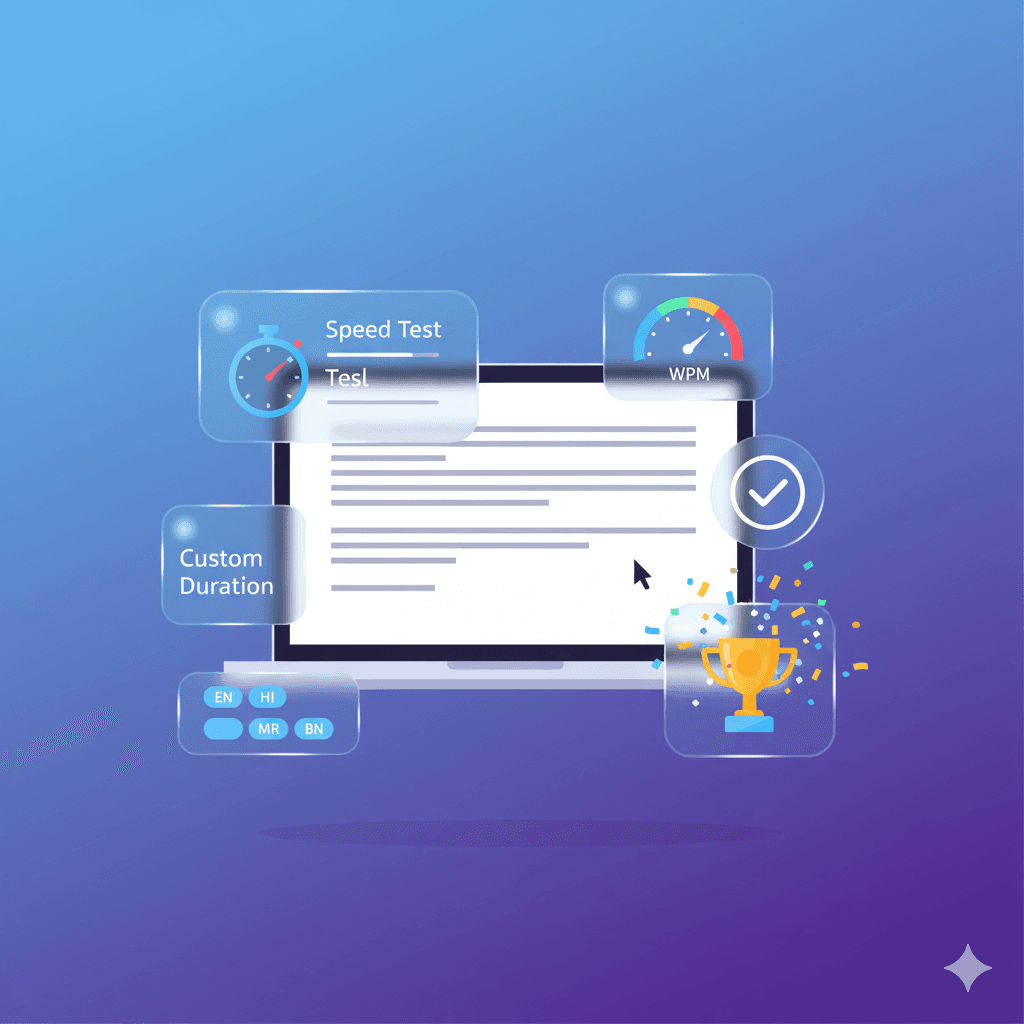
Intro: Preparing for SSC, Banking, or other government exams that include typing sections? This multilingual typing test helps you practice in Hindi, Marathi, Bengali, and English with exam-like durations, error tracking, and history export.
Quick checklist before you start
- Install and enable an Indic input method (Google Input Tools, OS IME, or Gboard on mobile).
- Practice in a distraction-free environment with a comfortable keyboard layout.
- Select duration based on your goal: 30s for speed drills, 60s for accuracy, 120s for endurance.
How the test works
- Select language & passage: Use built-in passages or upload your own text.
- Set duration: Choose presets (30s, 60s, 120s) or enter custom duration.
- Start typing: Timer begins with first keystroke. Errors and accuracy are tracked live.
- Review results: Get WPM, CPM, accuracy score, and error summary. Save sessions locally or export CSV.
Understanding the metrics
- WPM (Words Per Minute): 5 characters = 1 word, based on correct input.
- CPM (Characters Per Minute): Good for Indic languages where word length varies.
- Accuracy: Correct characters ÷ total characters typed. Prioritize accuracy first.
4-week practice plan
- Week 1 — Accuracy focus: Short 30s drills daily, correct errors early.
- Week 2 — Speed building: Add 60s runs, emphasize reducing repeat mistakes.
- Week 3 — Endurance: Include 120s sessions, simulate exam-like pressure.
- Week 4 — Exam prep: Mix durations and passages, run full-length mock tests.
Tips for Indic typing
- Set up proper IME or Google Input Tools for Hindi, Marathi, or Bengali.
- Practice vowel signs and conjunct characters separately.
- Use a modern browser for smoother font rendering and input.
Custom passages
Paste or upload text to practice with real exam-style material. Useful for domain-specific terms (legal, banking, etc.).
Saving & exporting results
The tool saves your last 30 sessions locally. Export history as CSV to track long-term progress or share with mentors.
FAQs
Does the tool store history?
Yes, results are saved locally in your browser (last 30 sessions). You can export or clear anytime.
Can I practise with my own passages?
Yes, you can paste or upload any text to practise exam-specific vocabulary.
Which input method works best for Indic scripts?
Google Input Tools, native OS IMEs, or mobile keyboards like Gboard are recommended. See Help for setup guides.
Last updated: 2025-12-13 — LevoTools
Frequently Asked Questions
Does the tool store history?
Yes — results are saved locally in your browser (last 30 sessions). You can export or clear anytime.
Can I practise with my own passages?
Yes — you can paste or upload any text to practise exam-specific vocabulary.
Which input method works best for Indic scripts?
Google Input Tools, native OS IMEs, or mobile keyboards like Gboard are recommended.