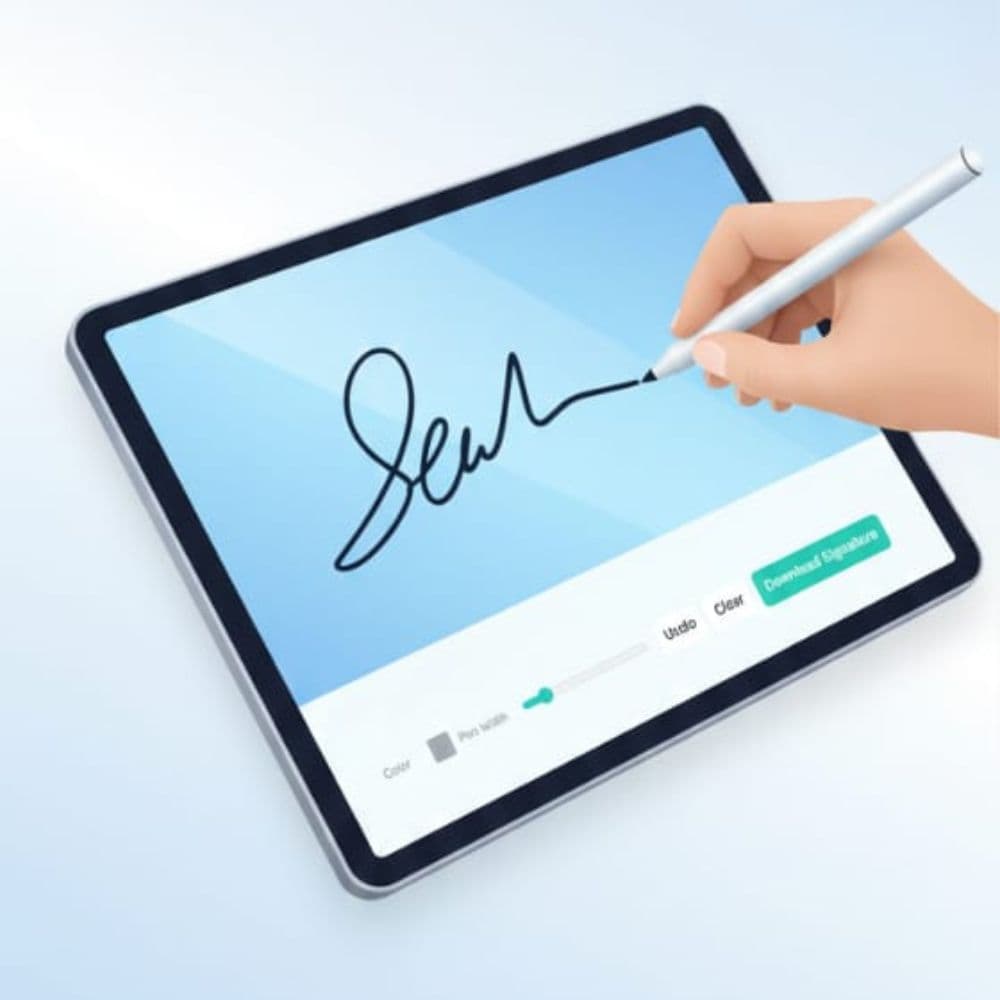
Draw Signature — Clear, Readable Handwritten Signatures
Focused, actionable tips to draw signatures that remain legible after compression and upload.
Setup
- Use black or dark blue for maximum contrast.
- Start with medium pen width (visual ~2–4px); increase for low-resolution targets.
- On mobile, a stylus helps; otherwise increase pen width slightly.
Drawing technique
- Map shape with light strokes, then retrace with confident single strokes.
- Avoid tiny decorations that break when shrunk.
- Use Undo for small fixes; Clear only to restart.
Export & verify
- Prefer PNG (transparent) when accepted; otherwise export JPG with white background.
- Crop tightly to signature bounds to save KB and preserve detail.
- Open at 100% and test in portal preview before submitting.
Mobile tips
- Tap canvas to focus, switch to landscape for wide signatures, use a stylus if available.
Common mistakes
- Too thin strokes — they vanish after compression.
- Over-decorating — small flourishes become artifacts.
- Not previewing on the portal — always verify.
Frequently Asked Questions
What pen width should I start with?
Start medium—thicker than a fine pen—so strokes remain visible after compression. Increase slightly for low-resolution uploads.
Is a stylus necessary on mobile?
Not necessary, but it improves precision. If using a finger, increase pen width for tolerance.
Should I remove the background before downloading?
Yes for PNG exports when transparency is accepted. Use white background JPG only if required by the portal.