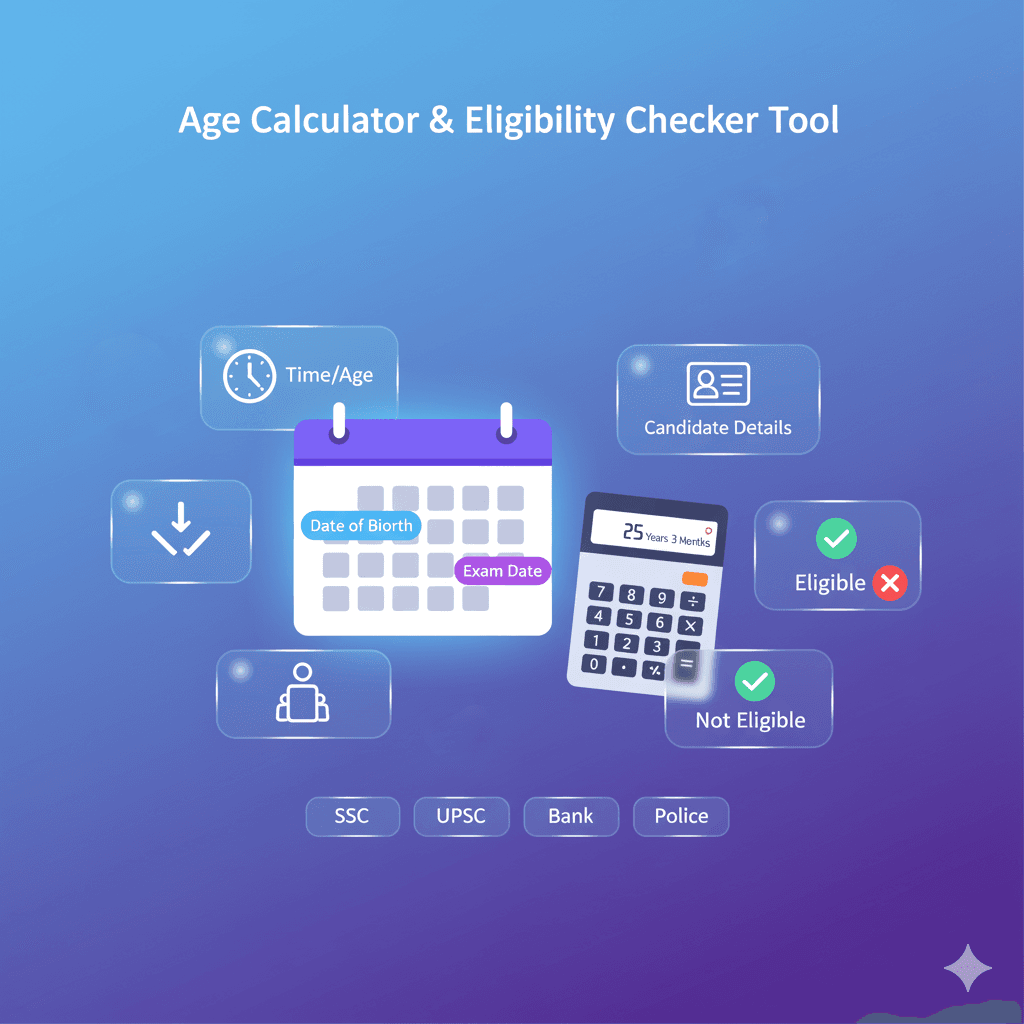
Intro: Calculating age sounds simple, but small date mistakes can change the result. This guide shows how to calculate age correctly in years, months, and days using your date of birth and an “as of” date.
What is an “as of” date?
The “as of” date is the date on which you want to know your age (for example: today, a past date, or a future date).
How to calculate age correctly
- Use the correct Date of Birth: Enter the exact day, month, and year.
- Pick the right “as of” date: Choose the date you want to calculate your age on.
- Count by calendar, not averages: Months have different lengths, and leap years add an extra day.
Examples
Example 1: DOB 15/06/2000, As of 15/06/2026 → Age = 26 years, 0 months, 0 days.
Example 2: DOB 29/02/2004, As of 28/02/2026 → Age depends on calendar rules; leap-day birthdays can appear a day different in non-leap years.
Common mistakes to avoid
- Swapping day/month: Make sure the day and month are selected correctly.
- Invalid dates: Dates like 31 April or 30 February are not valid.
- Wrong “as of” year: Double-check the year field before calculating.
Use the Age Calculator
- Open Age Calculator.
- Select Day and Month, then type Year for your Date of Birth.
- Set the “as of” date (default is today) and view the result instantly.
Last updated: 2026-02-25 — LevoTools
Frequently Asked Questions
How accurate is this calculator?
It uses calendar-based calculation (years, months, days), accounting for month lengths and leap years.
Can I calculate my age for a future date?
Yes. Change the “as of” date to any valid future date to calculate your age at that time.
Is my data uploaded to your servers?
No. Calculations run in your browser by default.